CodeSquire
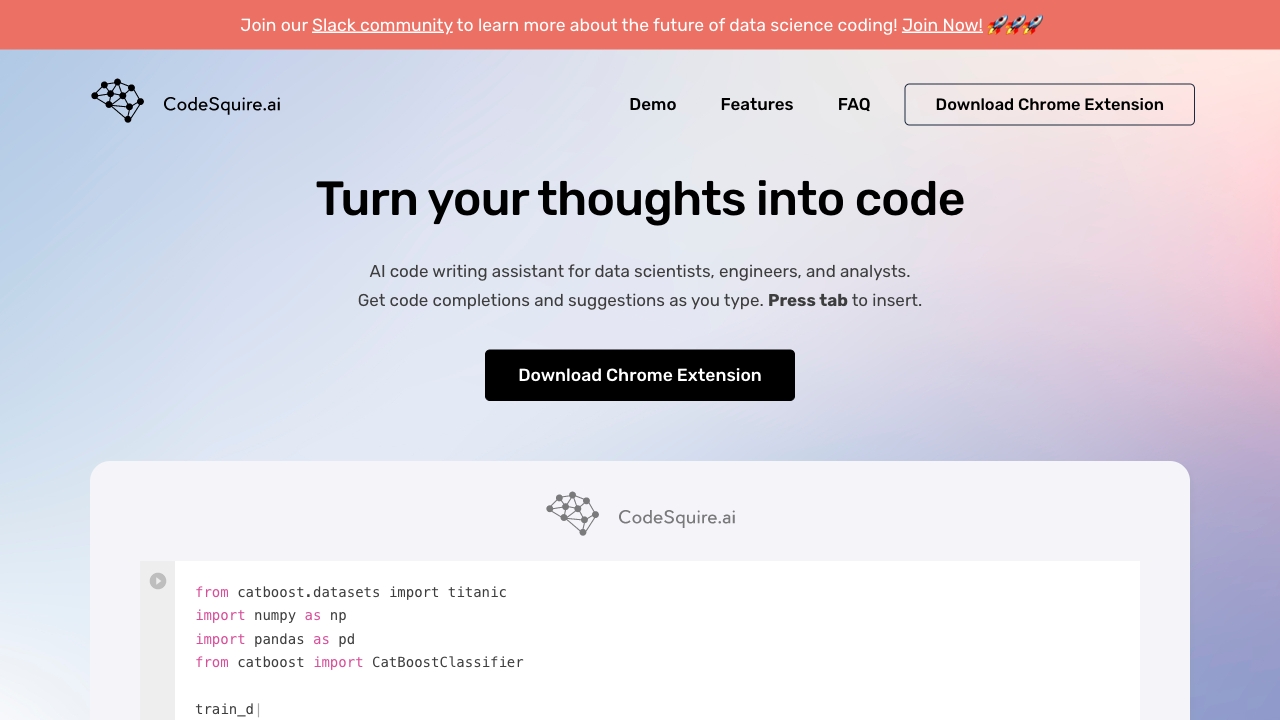
CodeSquire is an AI assistant for data scientists, generating functions using AI.
Free
5.0
What is CodeSquire?
CodeSquire is an AI code writing assistant designed specifically for data scientists. It supports popular coding environments such as Jupyter, VS Code, Pycharm, and Google Colab. CodeSquire assists in generating entire functions tailored to data science use cases by utilizing artificial intelligence.
About
CodeSquire is an AI assistant for data scientists, generating functions using AI.
How to Use CodeSquire
To use CodeSquire, simply download the Chrome Extension and sign up for an account. Once installed, CodeSquire integrates into your coding environment and provides code completions and suggestions as you type. Pressing the 'tab' key will insert the suggested code. CodeSquire can be used for improving productivity, writing functions using well-known libraries, translating language into SQL queries, explaining code, and writing complex functions by specifying multiple steps.
Frequently Asked Questions
How do I start using CodeSquire?
To start using CodeSquire, you need to download the Chrome Extension. After installation, sign up for an account to use the code writing assistant.
How do I download CodeSquire?
You can download CodeSquire by clicking on the following link: [download link]. The Chrome Extension will be installed in your browser.
What platforms does CodeSquire work on?
CodeSquire currently supports Google Colab, BigQuery, and JupyterLab. More platforms may be added in the future.
What are the best practices and how to get the most out of CodeSquire?
For best results with CodeSquire, it is recommended to follow the best practices and guidelines provided. You can find the guidelines at [guidelines link].
What is the roadmap for CodeSquire?
CodeSquire is currently gathering feedback to determine the future direction of the tool. If you have any ideas or suggestions, you can contact the team at hey@codesquire.ai.
Why use CodeSquire instead of Github Copilot?
CodeSquire offers the advantage of working in additional coding environments such as Google Colab, BigQuery, and JupyterLab through its browser extension. This makes it a versatile code writing assistant for data scientists.
Quick Info
- Pricing
- free
- Platforms
- website
Best For
- Data science coding
- Function generation
- Code completion
- Writing SQL queries
- Understanding existing code
- Writing complex functions
Tags
#AI#code writing assistant#data scientists#Jupyter#VS Code#Pycharm#Google Colab#productivity#function generation#code completion#SQL queries#complex functions