Cognify Insights
Browser extension for in-depth research analysis
Free
5.0
What is Cognify Insights?
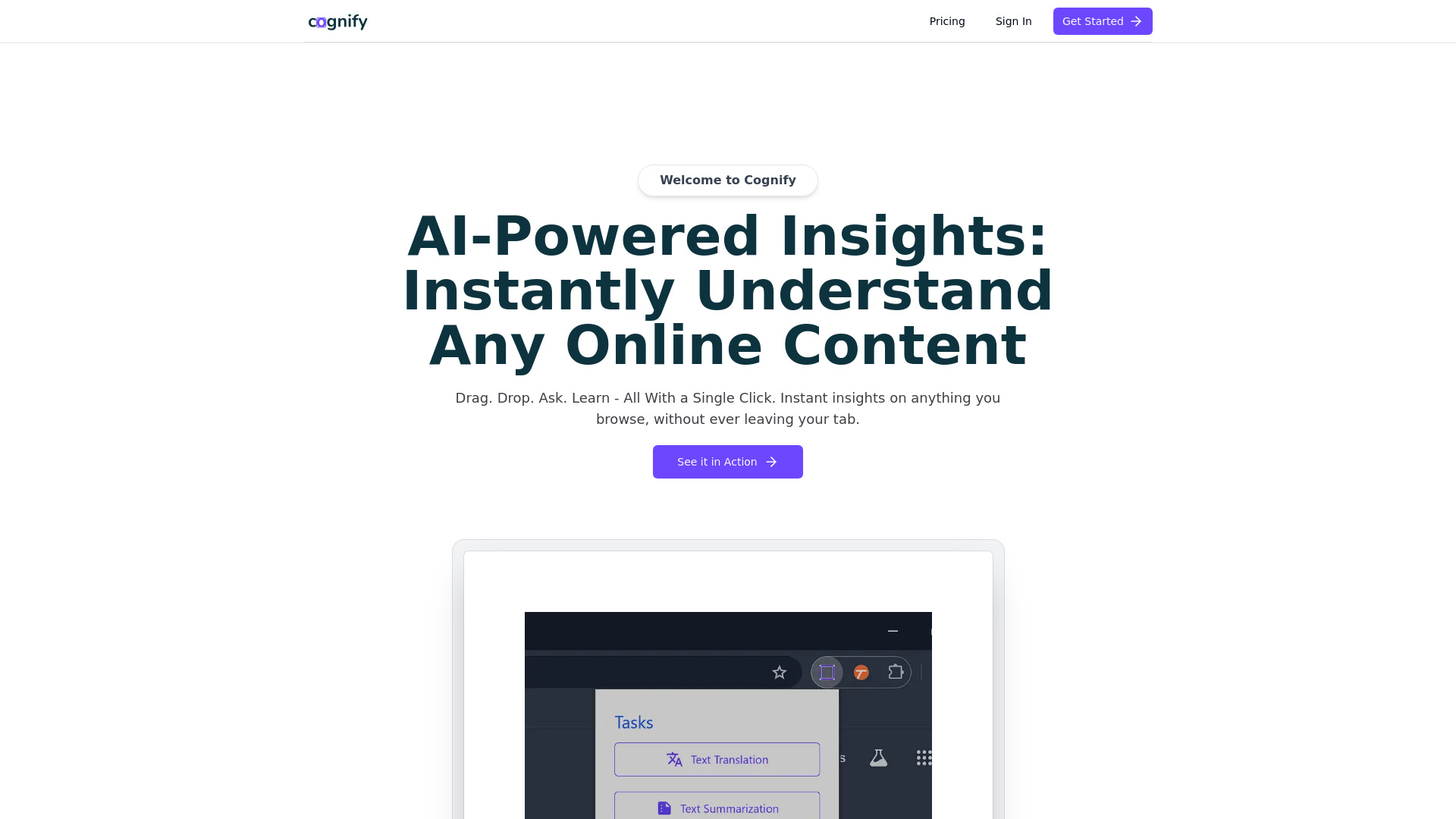
Cognify Insights is a browser extension that serves as a research assistant for text, diagrams, tables, and graphs. It provides in-depth analysis, text translation, question answering, and text summarization to enhance research processes.
About
Browser extension for in-depth research analysis
How to Use Cognify Insights
To use Cognify Insights, install the Chrome Headless Extension, log in, and start analyzing by dragging and dropping text, diagrams, tables, or charts for instant analysis.
Frequently Asked Questions
What types of content can Cognify Insights analyze?
Cognify Insights can analyze text, diagrams, tables, graphs, and more to provide insights for research purposes. It can handle various types of content to enhance the research process.
Is there a limit to the size of content Cognify Insights can analyze?
Cognify Insights is designed to handle a wide range of content sizes. While there may be limitations based on the complexity of the content, the tool is optimized to analyze and process content effectively.
Quick Info
- Company
- Cognify Insights
- Pricing
- free
- Platforms
- website
Best For
- Analyze text, diagrams, tables, and graphs for research purposes
- Enhance research with in-depth insights and content processing
Tags
#Research assistant#Data analysis#Content processing#Browser extension#Research tool