EaseUS Vocal Remover
AI tool for removing vocals from songs easily
Free
5.0
What is EaseUS Vocal Remover?
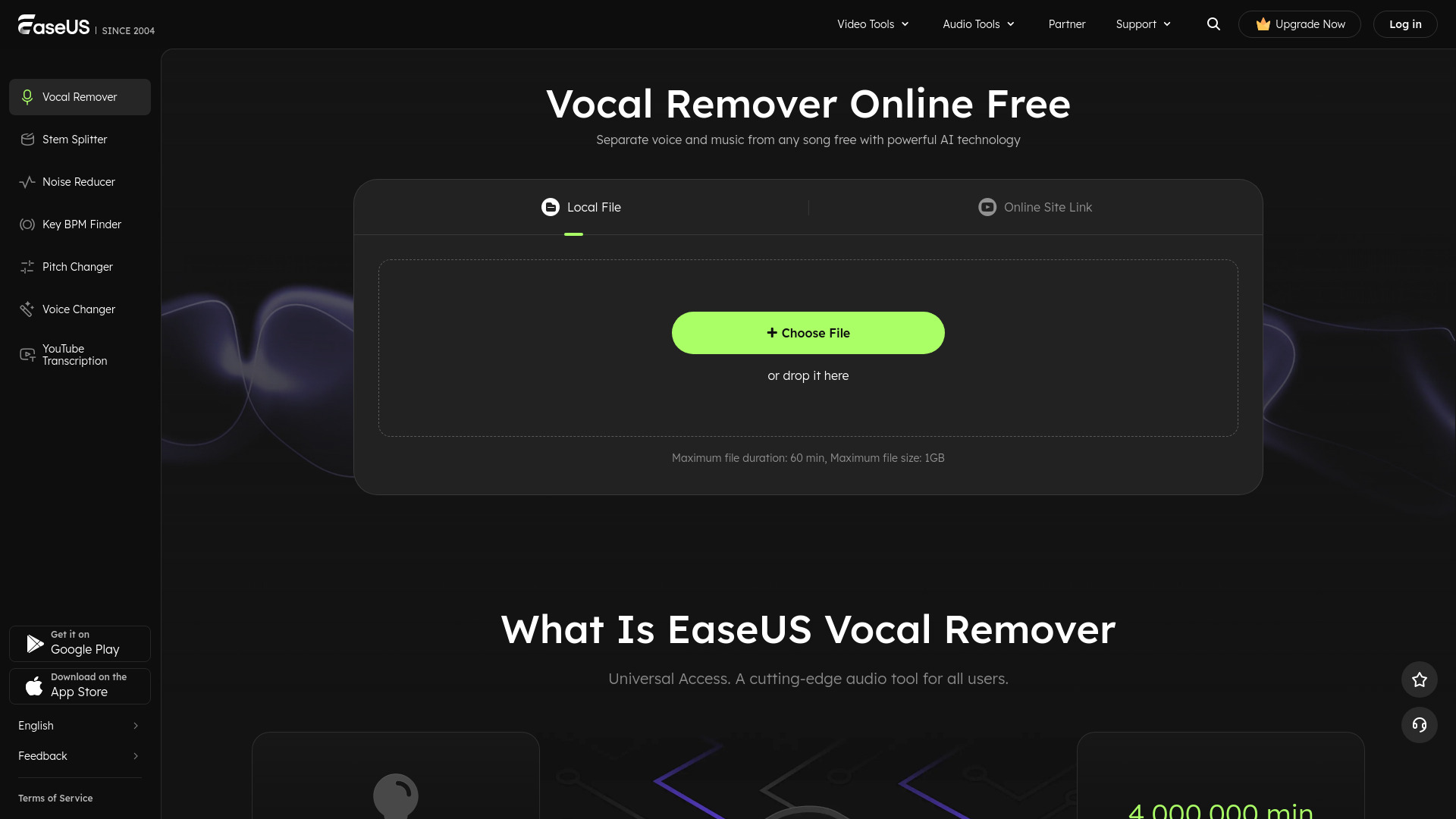
EaseUS Vocal Remover is a free online tool that utilizes AI technology to remove vocals from audio and video tracks, allowing users to create karaoke, instrumental tracks, or remixes without any effort. It supports multiple audio formats and processes files in the cloud, making it accessible to everyone.
About
AI tool for removing vocals from songs easily
How to Use EaseUS Vocal Remover
To use EaseUS Vocal Remover, simply upload your audio or video file, let the AI separate the vocals from the music, and then download the instrumental or karaoke track you desire.
Frequently Asked Questions
What is the best voice remover?
EaseUS Vocal Remover is considered one of the best due to its accurate vocal removal and user-friendly interface.
How do I completely remove vocals from a song?
Upload the audio file on EaseUS Vocal Remover, and the AI will analyze and separate the vocals quickly.
Can I remove the vocal from YouTube videos?
Yes, you can use EaseUS Vocal Remover to extract or remove vocals from YouTube videos.