FBX viewer
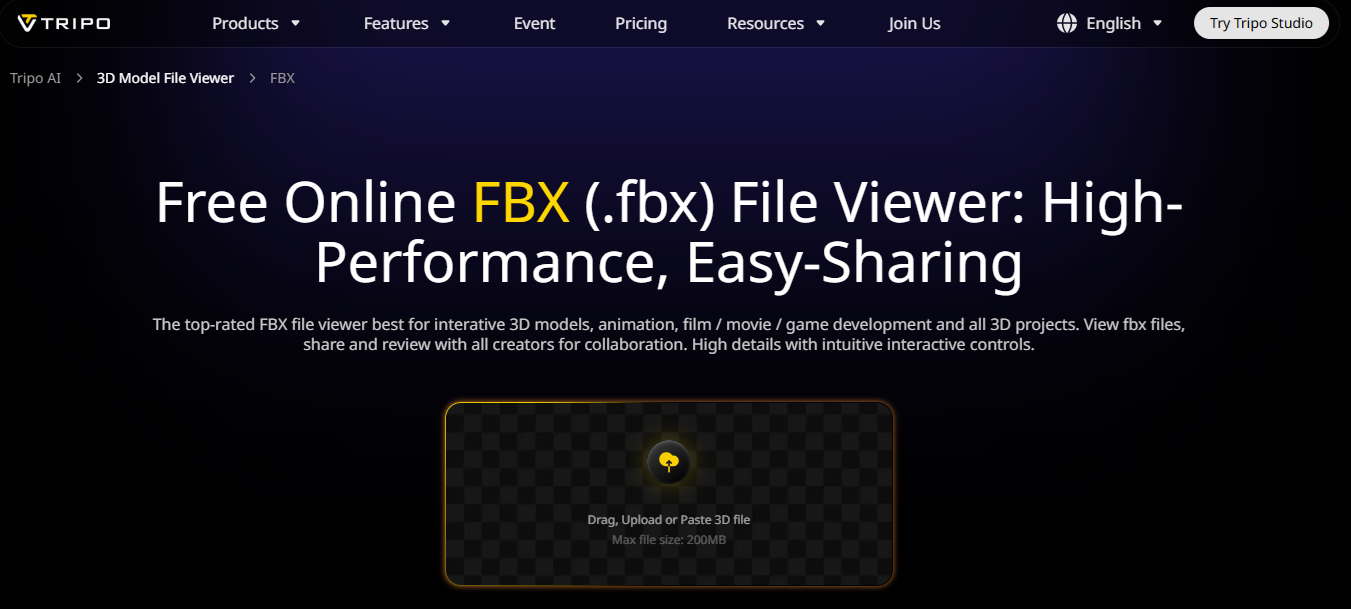
FBX viewer: Free OBJ viewer best for viewing 3D file for 3D modeling, gaming, animation, film, VR/AR and all 3D projects. Lightweight, fast & accurate rendering.
Free0
Categories: 3D
What is FBX viewer?
FBX Viewer is a free online tool for viewing FBX files, commonly used in 3D modeling, gaming, and animation.
About
FBX Viewer is a specialized tool designed for professionals and enthusiasts in the fields of 3D modeling, gaming, animation, film production, and virtual/augmented reality. Its primary function is to provide a lightweight and efficient platform for viewing FBX (Filmbox) files, which are widely used for 3D assets. With fast and accurate rendering capabilities, FBX Viewer allows users to inspect and evaluate 3D models without the need for complex software that may require extensive hardware resources. It is particularly beneficial for artists, developers, and designers who want to visualize their 3D creations quickly and easily. The tool caters to a diverse audience, including game developers looking to preview character models, animators assessing scene layouts, and VR/AR developers ensuring that their assets are correctly represented. FBX Viewer simplifies the workflow by enabling users to swiftly load and navigate through 3D models, making it an essential tool for anyone involved in producing or reviewing 3D content. By eliminating the overhead of heavy software, it allows users to focus on their creative work, enhancing productivity and efficiency in their projects.
How to Use FBX viewer
["Visit the FBX Viewer website.","Upload your FBX file using the upload button.","Wait for the file to load and render.","Use the navigation tools to inspect the 3D model.","Adjust settings as needed for optimal viewing."]
Pros
- ✓Free to use
- ✓Easy to navigate interface
- ✓Supports multiple file formats
- ✓Fast rendering capabilities
- ✓No installation needed
Cons
- ✗Limited editing capabilities
- ✗Dependent on internet connection
- ✗May not support very large files
Frequently Asked Questions
Quick Info
- Pricing
- free
- Platforms
- web