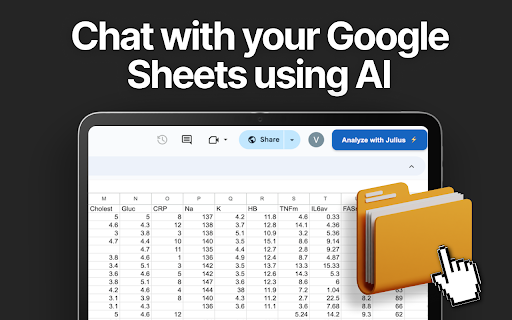
Julius AI - Analyze Google Sheets with ChatGPT
AI-powered Google Sheets analysis
Free
5.0
What is Julius AI - Analyze Google Sheets with ChatGPT?
Julius is an AI-powered data analyst that integrates with Google Sheets using ChatGPT technology.
About
AI-powered Google Sheets analysis
How to Use Julius AI - Analyze Google Sheets with ChatGPT
1. Add Julius Chrome extension 2. Open desired Google Sheet 3. Set sharing to Public 4. Click 'Analyze with Julius'
Frequently Asked Questions
Is Julius AI free to use?
Yes, Julius is completely free to download and utilize.
Quick Info
- Pricing
- free
- Platforms
- browser-extension
Best For
- Generate tailored charts from Google Sheet data
- Filter and transform data effortlessly
- Write concise AI-generated reports
Tags
#Data Analysis#Google Sheets Integration#ChatGPT#Data Visualization#AI Reporting