MemFlow
Your memory assistant on  Mac.
Free
5.0
What is MemFlow?
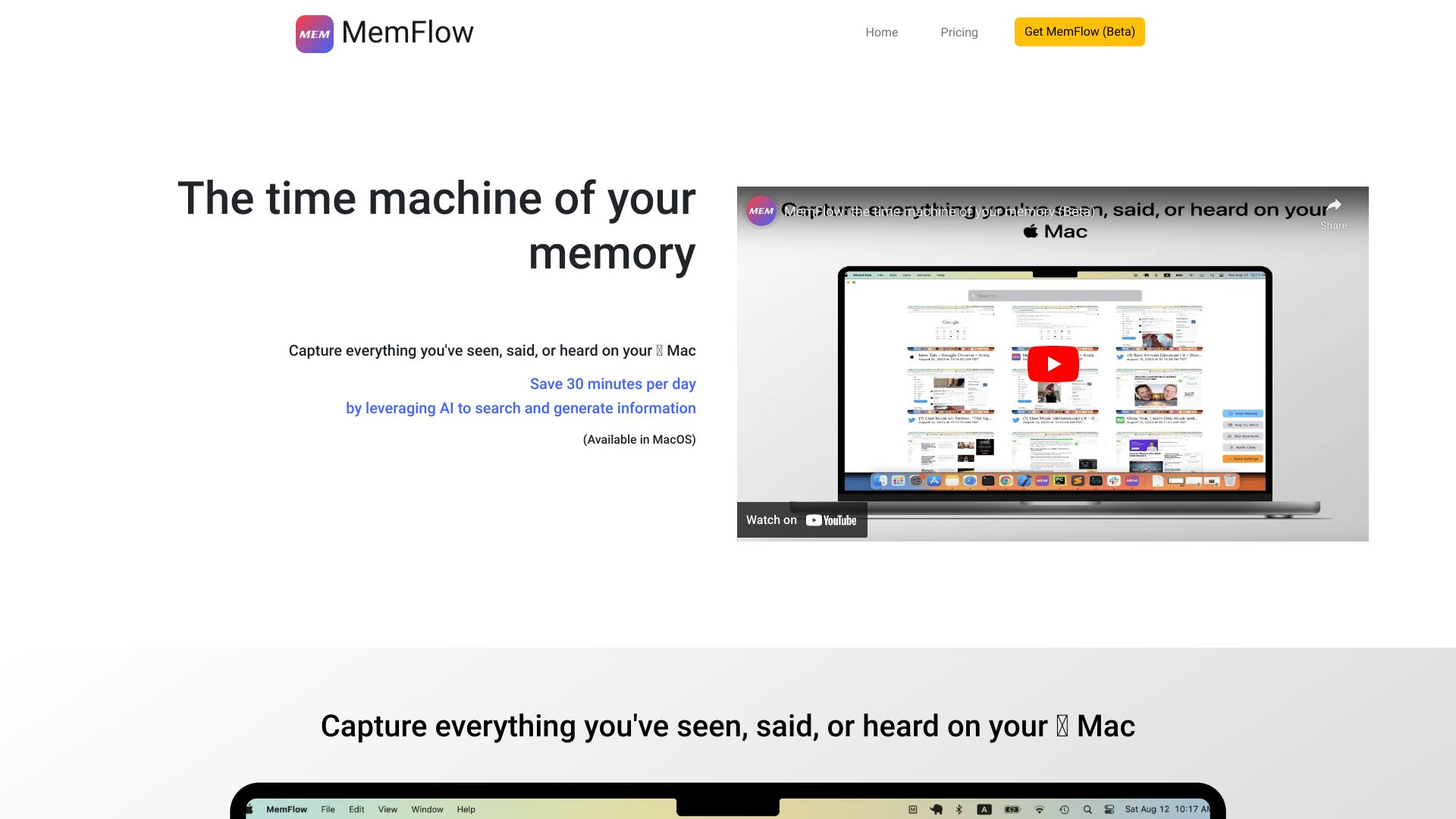
MemFlow is your memory assistant. While you're using a Mac, MemFlow records screenshots and sounds automatically in chronological order. You can find back memory by semantic search.
About
Your memory assistant on  Mac.
How to Use MemFlow
Capture everything you've seen, said, or heard on your  Mac. Playback your memory like watching a movie. Transcribe and summarize meetings seamlessly.
Frequently Asked Questions
How do I install MemFlow?
Visit https://memflow.ai. Click the "Join Alpha Test" button to get started.
What devices and systems does MemFlow support?
Currently, MemFlow only supports MacOS (Ventura 13.0+). Windows, iOS, and Android are coming soon.
What permissions do MemFlow need?
MemFlow needs 3 permissions: Screen Recording, Accessibility, and Microphone. They are used to collect desired data locally.
How does MemFlow protect my data and privacy?
We value your data and privacy as the top priority. Your data will be only stored and processed locally. Your text data are encrypted in the local database by following the best industry practice.
How much CPU and memory resources does MemFlow take in my Mac/MacOS?
Usually, Memflow takes only 5-10% of the overall CPU and 200MB memory in the system. Interestingly, 80% of your CPU is in the idle states.
How much disk space does MemFlow take?
MemFlow could compress your recordings up to 10,000x. In the regular mode, it would take 10GB disk space per month. In the low storage mode, it would take only 3GB disk space per month.
Quick Info
- Pricing
- free
- Platforms
- website
Best For
- Efficient Search: Locates messages, info, and data across various platforms and apps by using keyword or semantic search.
- Workday Overview: Provides summaries of daily work for standups or personal review.
- Pre-Call Context: Offers insights into prior interactions and discussions with contacts before calls.
- Meeting Recording: Automatically captures and indexes meeting notes for focused engagement.
- Replay & Reproduction: Allows playback of interactions, aiding in reproducing setups and tracking decisions.
Tags
#memory assistant#MacOS app#screen recording#audio recording#semantic search#transcription#memory playback#meeting management