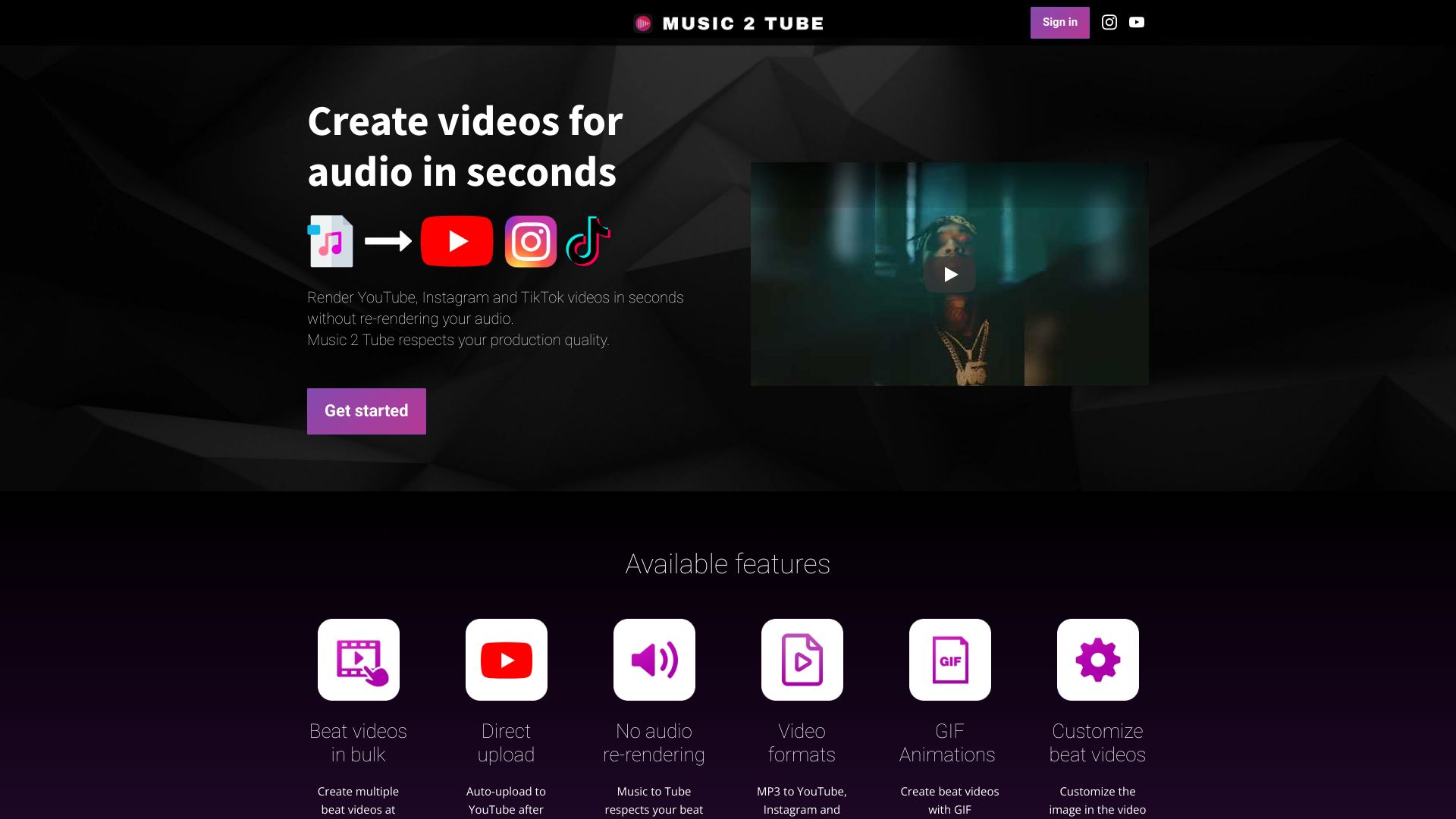
Music 2 Tube
Music 2 Tube is a platform for creating and uploading music videos to YouTube, Instagram, and TikTok.
Free
5.0
What is Music 2 Tube?
Music 2 Tube is a platform that allows users to create and upload high-quality videos for their beats or songs directly to YouTube, Instagram, and TikTok. It enables users to render multiple videos in different formats quickly and without re-rendering their audio, while respecting the production quality.
About
Music 2 Tube is a platform for creating and uploading music videos to YouTube, Instagram, and TikTok.
How to Use Music 2 Tube
To use Music 2 Tube, simply sign in and upload your audio. With the video creation tool, you can create professional-looking videos for your audio by customizing the image, adding overlays and effects. You can also create beat videos in bulk and automatically upload them to YouTube after rendering. Music 2 Tube provides an easy-to-use interface and supports cloud storage services like Google Drive, Dropbox, or iCloud for file access. Moreover, it can be used offline without an internet connection for video rendering.
Frequently Asked Questions
On which operating systems does Music 2 Tube run?
Music 2 Tube is supported on Windows 10 (or higher) and Mac OS. It is planned to release for iOS and Android in the future.
Can I stop my monthly subscription anytime I want?
Yes, you can cancel your monthly subscription at any time.
Which image formats are supported?
Music 2 Tube supports JPG, JPEG, PNG, and GIF image formats to create beat videos.
Which audio formats are supported?
Music 2 Tube supports MP3 and WAV audio formats. MP3 is recommended for web optimization.
What are the system requirements?
Minimum recommended specifications: Processor - Intel i3+ or related, Graphics card - at least 2GB memory, RAM - 4GB. Recommended specifications: Processor - Intel i5+ or related, Graphics card - 4GB memory or higher, RAM - 8GB.
Are future updates free?
Yes, all future updates are free, and users are notified via email.
Where can I get technical support?
For any technical issues or related support, please contact us via support@music2tube.com.
How do I make border-less videos?
You can select the 'blurred background' effect or upload an image of the same size as the selected video size (1920x1080 by default) to create border-less videos.
Quick Info
- Pricing
- free
- Platforms
- website
Best For
- Producers, artists, and musicians can create videos for their beats or songs quickly and upload them directly to social media platforms.
- Users can enhance their audio by creating visually appealing beat videos with GIF animations and overlays for engaging content.
- Musicians and recording studios can maintain their production quality while efficiently creating videos for their music or podcasts.
- Users can utilize Music 2 Tube to create videos for their audio for YouTube, Instagram, and TikTok, attracting more viewers and followers.
Tags
#Upload MP3 to YouTube#Upload MP3 to Instagram#Upload MP3 to TikTok#Create videos for beats#Create videos for songs#Audio to video#Music video creator#Beat videos#GIF animations#Overlays#Effects#Watermark videos#Cloud support#Offline video rendering