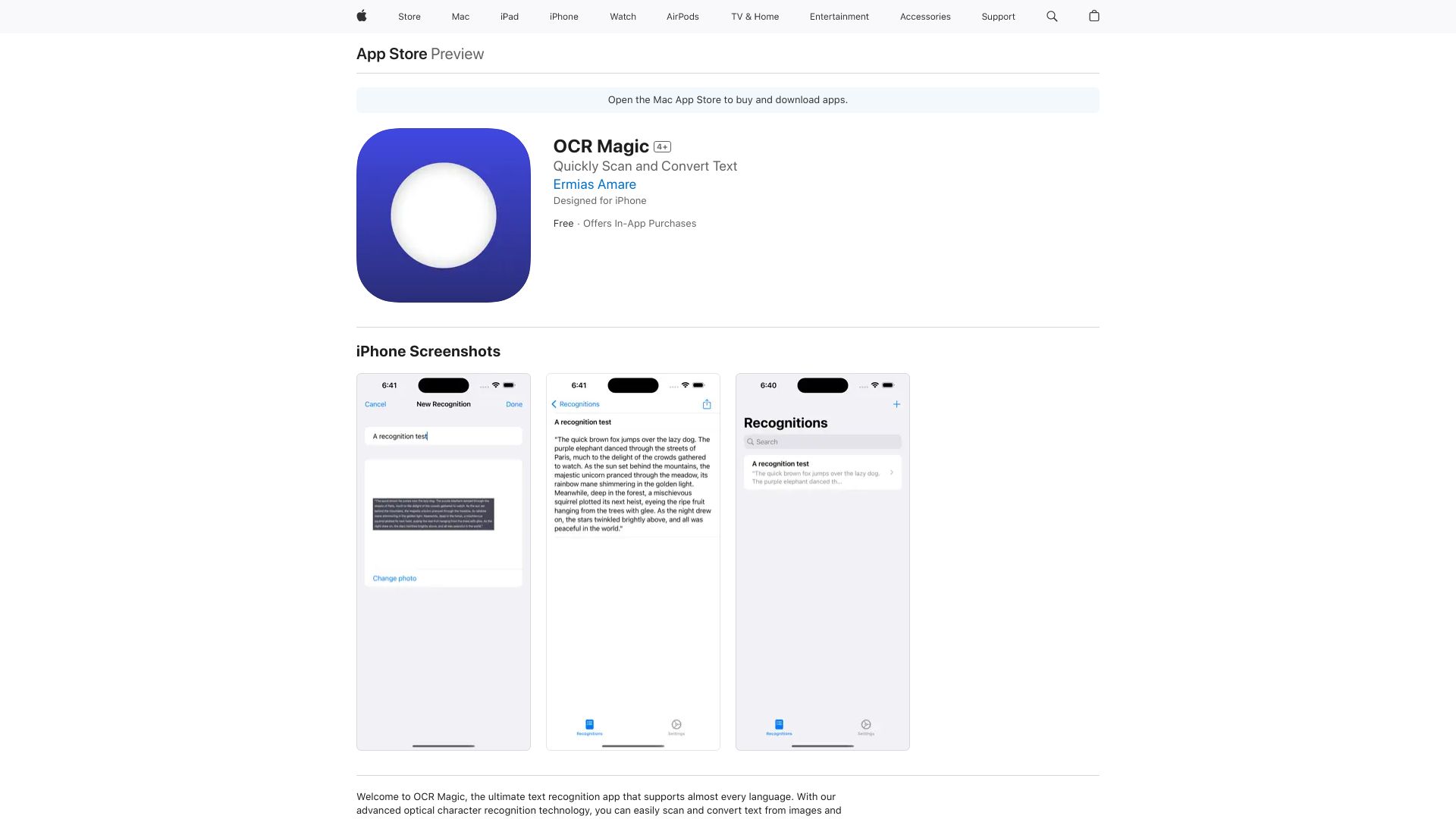
OCR Magic
An advanced text recognition app that supports every language.
Free
5.0
What is OCR Magic?
OCR Magic is an advanced text recognition app that supports almost every language. With its optical character recognition technology, it can scan and convert text from images and documents into editable and searchable digital text.
About
An advanced text recognition app that supports every language.
How to Use OCR Magic
Using OCR Magic is simple and straightforward. Just launch the app, select the image or document you want to extract text from, and let the app do its magic. You can then edit or search for specific words in the extracted text.
Frequently Asked Questions
Which languages does OCR Magic support?
OCR Magic supports almost every language, including but not limited to English, Spanish, French, German, Chinese, Japanese, and many more.
Can OCR Magic extract text from handwritten notes?
Yes, OCR Magic can convert handwritten notes into digital text.
Will OCR Magic preserve the formatting of the original document?
No, OCR Magic focuses on extracting the text and does not preserve the formatting of the original document.
Can OCR Magic translate text from one language to another?
OCR Magic can extract text from images and documents, but it does not have built-in translation capabilities. However, you can easily copy the extracted text and use a translation tool to translate it.
Quick Info
- Pricing
- free
- Platforms
- app
Best For
- Digitize printed documents
- Extract text from scanned books or articles
- Convert handwritten notes into digital text
- Create searchable PDFs from paper documents
- Translate text from foreign languages
Tags
#OCR#Text recognition#Language support#Image to text conversion#Document scanning#Editable text#Searchable text