OLOCR
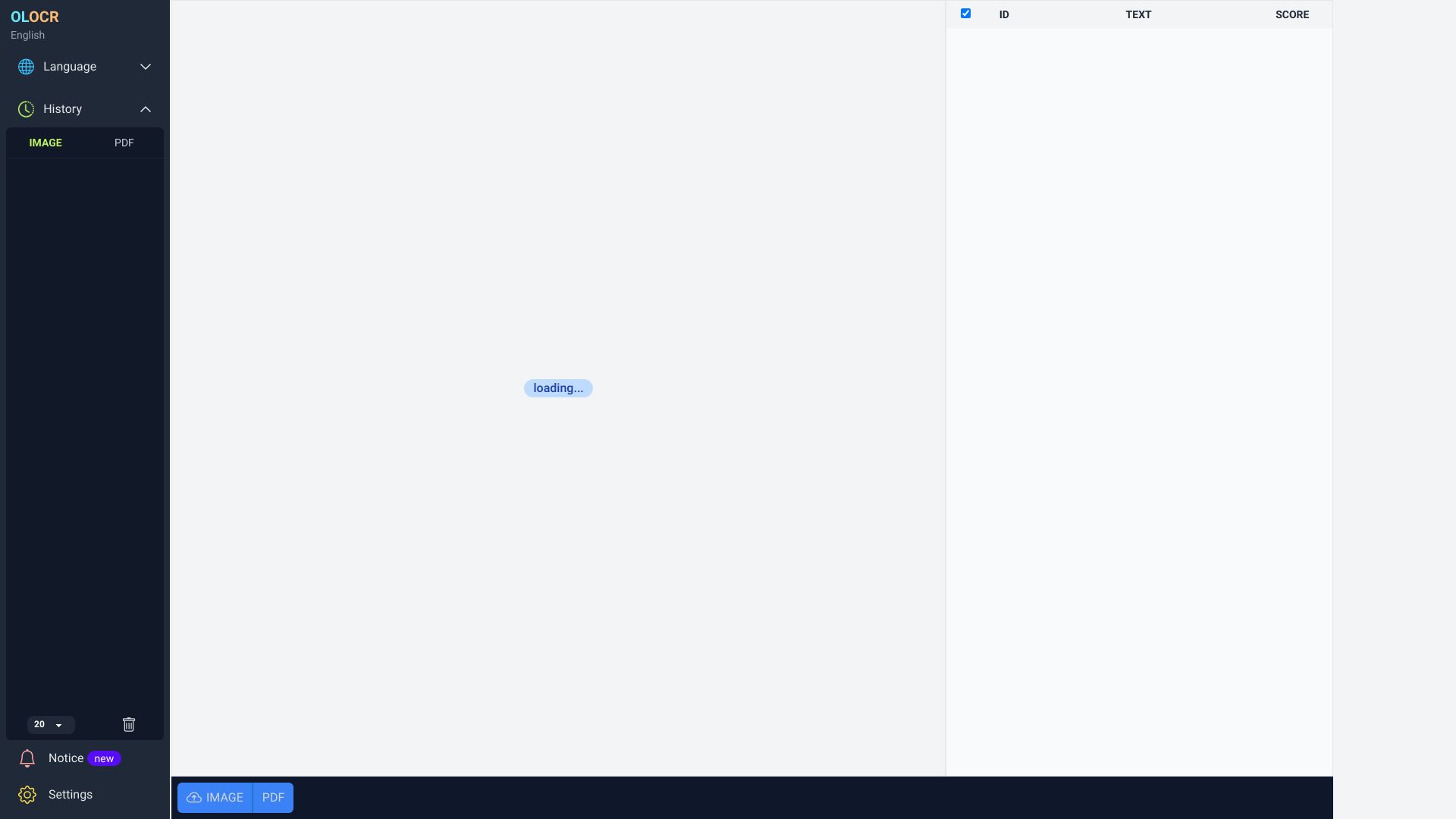
OLOCR provides unlimited OCR for images and PDFs, allowing users to extract text easily.
Free
5.0
What is OLOCR?
OLOCR is an online OCR service that offers unlimited OCR (Optical Character Recognition) for images and PDFs. It allows users to extract text from their images and PDFs by simply uploading them to the platform.
About
OLOCR provides unlimited OCR for images and PDFs, allowing users to extract text easily.
How to Use OLOCR
To use OLOCR, follow these steps: 1. Visit the OLOCR website. 2. Choose the desired OCR language from the available options. 3. Select the file(s) you want to extract text from, either by uploading them or providing a URL. 4. Specify any desired OCR settings, such as OCR speed. 5. Begin the OCR process. 6. Wait for the text extraction to be completed. 7. Review and download the extracted text if necessary.
Frequently Asked Questions
How many files can I process with OLOCR?
OLOCR offers unlimited OCR, allowing users to process as many files as they need.
Can I process multiple files at once?
Yes, OLOCR supports batch OCR, enabling users to process multiple files simultaneously.
What languages are supported by OLOCR?
OLOCR supports a wide range of languages for OCR, including but not limited to: Abaza, Adyghe, Afrikaans, Albanian, Angika, Arabic, Avar, Azerbaijani, Belarusian, Bhojpuri, Bihari, Bosnian, Bulgarian, Chinese Simplified, Chinese Traditional, Croatian, Czech, Danish, Dargwa, Dutch, English, Estonian, French, German, Goan Konkani, Hindi, Hungarian, Icelandic, Indonesian, Ingush, Irish, Italian, Japanese, Kannada, Korean, Kurdish, Lak, Latvian, Lezghian, Lithuanian, Magahi, Maithili, Malay, Maltese, Maori, Marathi, Mongolian, Nagpur, Nepali, Newari, Norwegian, Occitan, Persian, Polish, Portuguese, Romanian, Russia, Saudi Arabia, Serbian, Slovak, Slovenian, Spanish, Swahili, Swedish, Tabassaran, Tagalog, Tamil, Telugu, Turkish, Ukrainian, Urdu, Uyghur, Uzbek, Vietnamese, and Welsh.
Does OLOCR store my OCR history?
Yes, OLOCR keeps a history of your OCR activities for reference and review.
Can I control the speed of the OCR process?
Yes, OLOCR allows users to adjust the OCR speed based on their preference.
Quick Info
- Pricing
- free
- Platforms
- website
Best For
- OLOCR can be used in various scenarios, including: 1. Digitizing Documents: Users can convert physical documents or scanned copies into editable text. 2. Language Translation: OLOCR can help extract text from foreign language documents for translation purposes. 3. Content Extraction: Text from images or PDFs can be extracted for research, data analysis, or content creation. 4. Data Entry Automation: OLOCR can automate the process of entering text from images or PDFs into digital systems or databases.
Tags
#OCR#online OCR#image OCR#PDF OCR#batch OCR#text extraction#OCR language#unlimited OCR