perfect365.com
AI hair and makeup app for virtual beauty transformations
Free
5.0
What is perfect365.com?
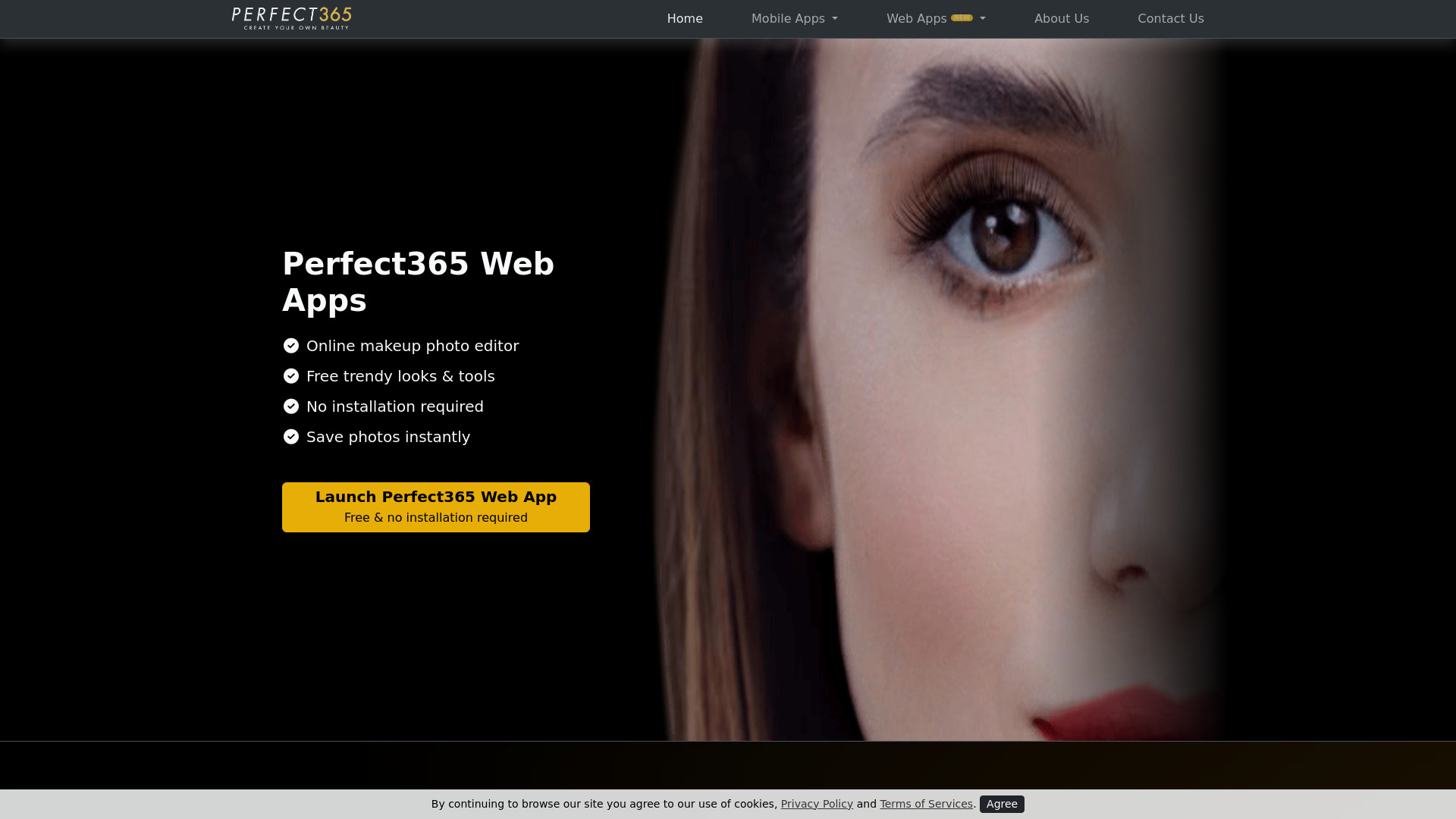
Perfect365 is the best AI hair and makeup app that allows users to try out endless virtual hairstyles and AI face makeup using their own photos. The app helps in transforming selfies into stunning works of art with customizable features.
About
AI hair and makeup app for virtual beauty transformations
How to Use perfect365.com
To use Perfect365, upload your photo, experiment with different virtual hairstyles, makeup looks, and hair colors, and customize your appearance with just a few taps.
Frequently Asked Questions
How does Perfect365's virtual try-on feature work?
Perfect365's virtual try-on feature uses Augmented Reality (AR) technology combined with facial recognition and AI algorithms to superimpose virtual makeup and hairstyles on the user's face for customization.
Can users save their virtual makeup looks created with Perfect365?
Yes, users can save photos instantly with Perfect365, allowing them to capture and share their customized virtual makeup looks effortlessly.
Quick Info
- Pricing
- free
- Platforms
- website
Best For
- Try out different makeup styles virtually
- Experiment with various hair colors and styles without physical products
Tags
#AI beauty app#Virtual makeup try-on#Facial recognition technology#Augmented Reality (AR)#Virtual hairstyles#Selfie transformations