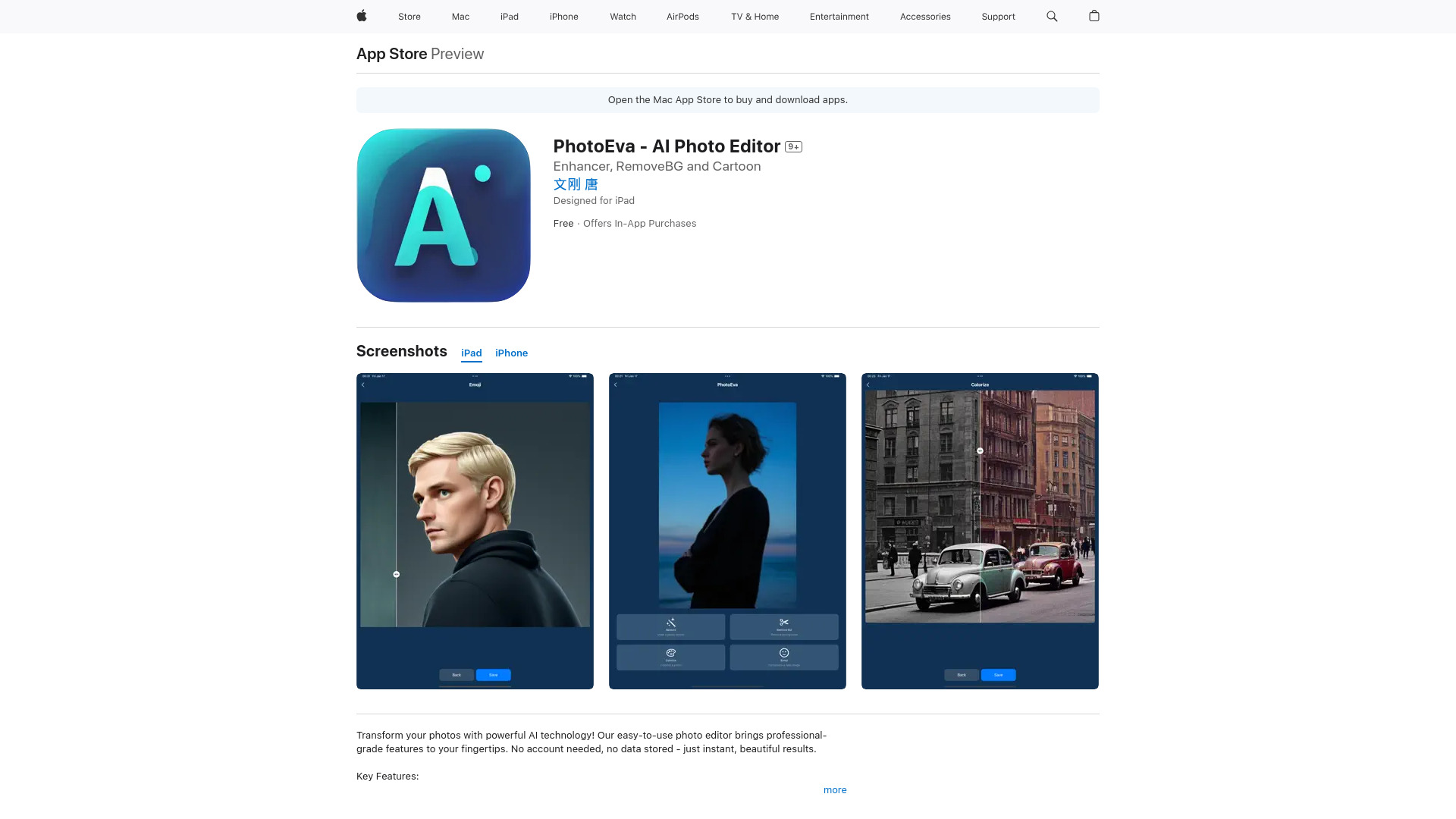
PhotoEva - AI Photo Editor & Enhancer
AI photo editor for restoration and enhancement.
Free
5.0
What is PhotoEva - AI Photo Editor & Enhancer?
PhotoEva is an AI photo editing app that allows users to restore, enhance, and transform their photos effortlessly without needing an account. Users can remove backgrounds, colorize black and white images, and create emoji avatars using advanced AI technology.
About
AI photo editor for restoration and enhancement.
How to Use PhotoEva - AI Photo Editor & Enhancer
Simply download the PhotoEva app from the App Store, upload your photos, and choose from the available editing features to transform your images instantly.
Frequently Asked Questions
Is PhotoEva free to use?
Yes, PhotoEva is free to download and use, with optional in-app purchases for additional features.
Do I need an account to use PhotoEva?
No, you can start editing your photos instantly without creating an account.
Quick Info
- Pricing
- free
- Platforms
- app
Best For
- Restoring old family photos
- Creating professional profile pictures
- Designing social media content
- Preserving precious memories
- Making fun emoji avatars
Tags
#AI Photo Editor#Photo Restoration#Background Removal#Colorization#Emoji Creation#Graphics & Design