Recally
Screenshot management app for macOS
Free
5.0
What is Recally?
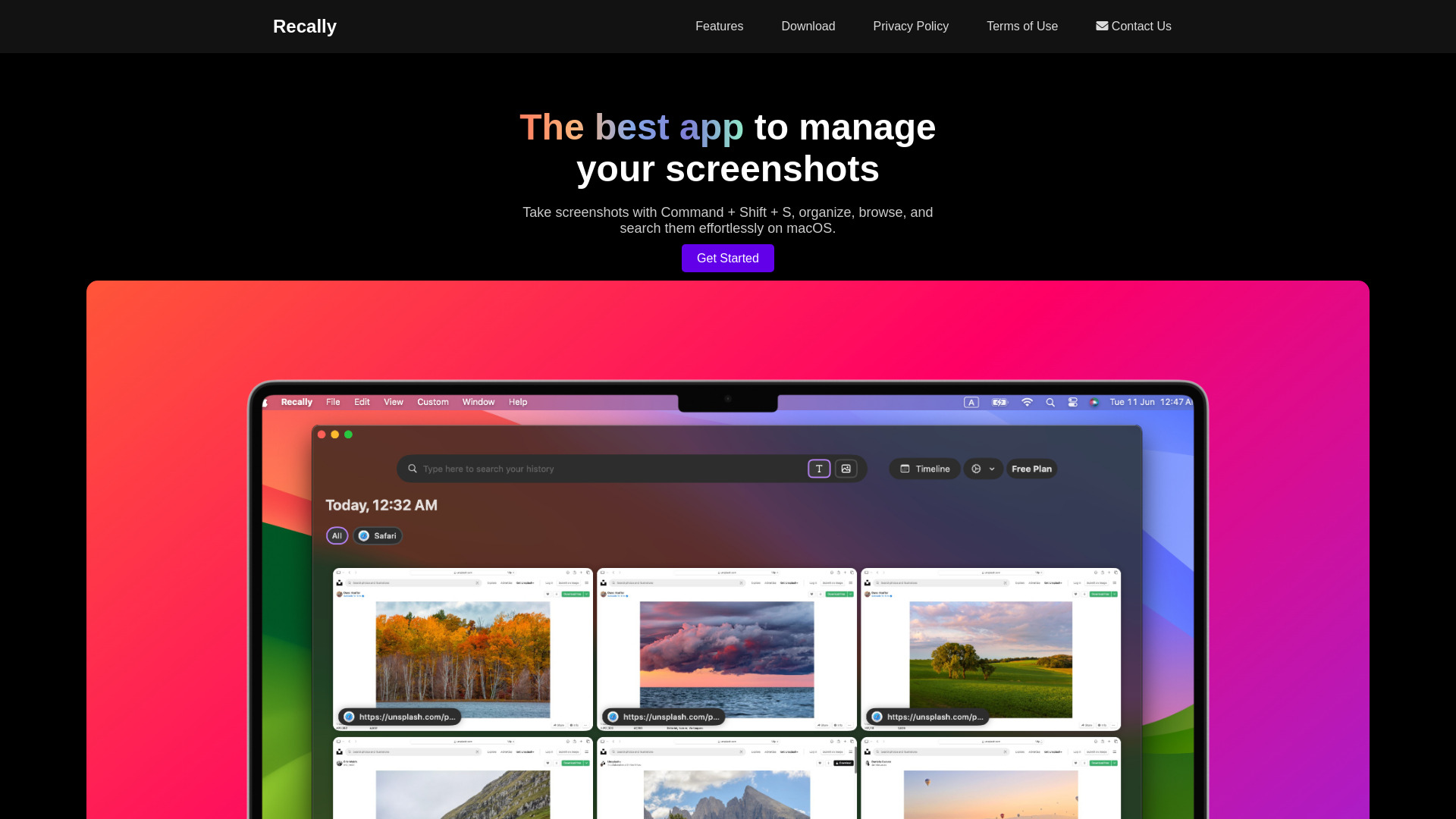
Recally is the best app for managing and organizing screenshots on macOS. It offers real-time OCR, AI-driven visual search, and secure offline operation. Users can encrypt their data and easily search for screenshots with cutting-edge AI technology.
About
Screenshot management app for macOS
How to Use Recally
To use Recally, simply download the app on macOS. Users can then take screenshots using Command + Shift + S and effortlessly organize, browse, and search them. The app operates completely offline, ensuring data privacy and security.
Frequently Asked Questions
Is Recally available for other operating systems?
Currently, Recally is only available for macOS. However, the development team may consider expanding to other platforms in the future.
Can Recally be used to organize screenshots from different applications?
Yes, Recally can organize screenshots from various applications on macOS, providing an efficient way to manage and categorize images.
Quick Info
- Pricing
- free
- Platforms
- website
Best For
- Effortlessly manage and organize screenshots on macOS
- Secure and encrypt screenshots for privacy
- Search and browse screenshots with AI-driven visual search
Tags
#Screenshot management#macOS app#Data encryption#Real-time OCR#AI-driven visual search#Offline operation