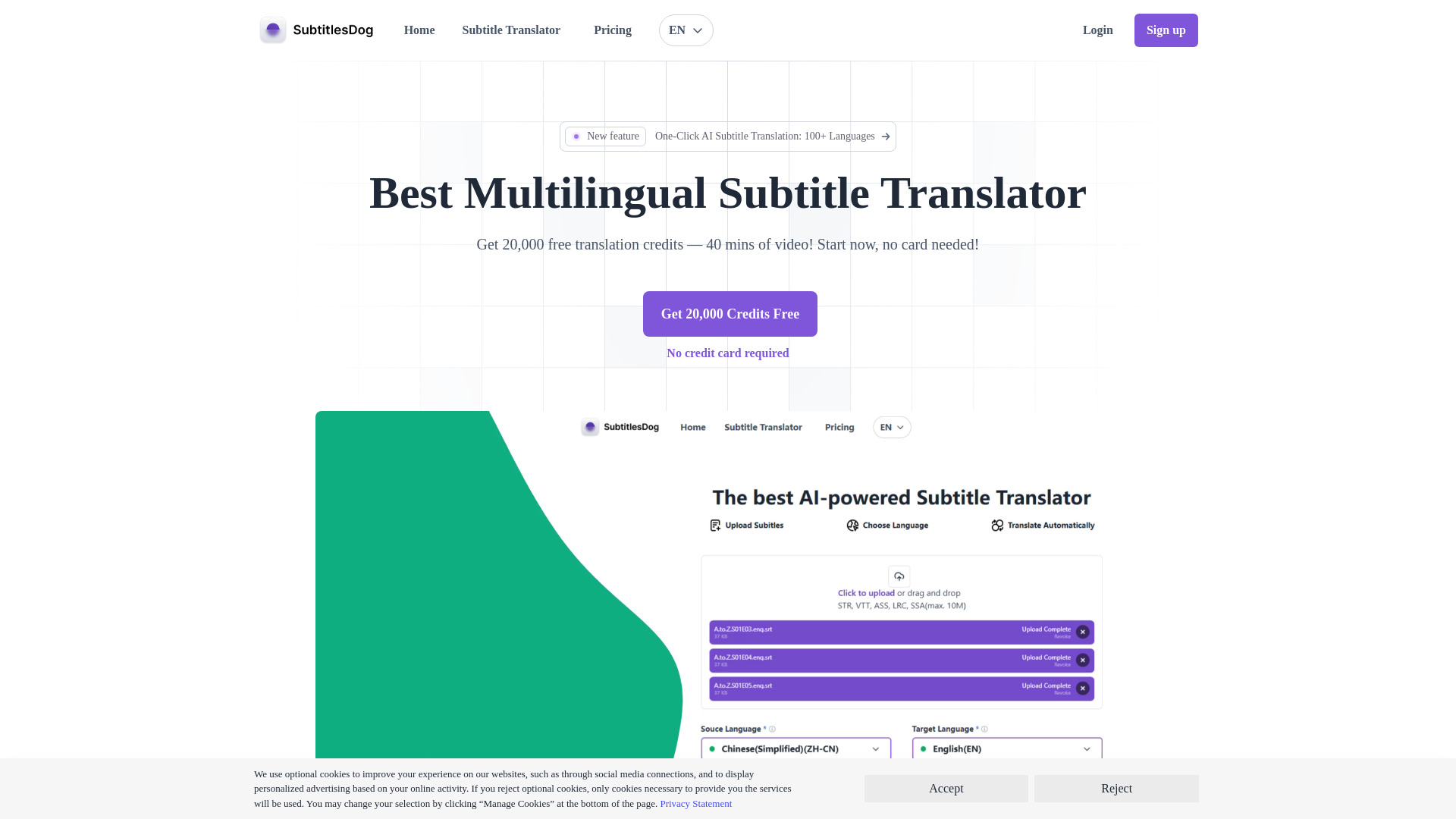
SubtitlesDog-AI subtitle translator
AI subtitle translation tool for fast, high-quality translations.
Free
5.0
What is SubtitlesDog-AI subtitle translator?
SubtitlesDog is an AI-powered subtitle translation tool that provides fast, high-quality translations for video content across 100+ languages.
About
AI subtitle translation tool for fast, high-quality translations.
How to Use SubtitlesDog-AI subtitle translator
Upload your subtitle files, select an AI model, and receive accurate translations quickly.
Frequently Asked Questions
What is SubtitlesDog, and how does it work?
SubtitlesDog is an AI-powered subtitle translation tool designed to provide fast, high-quality translations for your video content. Upload your subtitle files, select from various AI models, and get tailored, accurate translations.
What languages does SubtitlesDog support?
SubtitlesDog supports a wide range of languages, including major world languages and rare dialects, with ongoing expansion of its language library.
Can I translate multiple subtitle files at once?
Yes, our multi-file upload feature allows you to translate several files simultaneously, enhancing your workflow efficiency.
Quick Info
- Pricing
- free
- Platforms
- website
Best For
- Translate video subtitles for global audiences quickly.
Tags
#Subtitle translation#AI-powered#SRT#VTT#Multilingual support#Video accessibility#Batch translation#Secure processing