TestGenAI
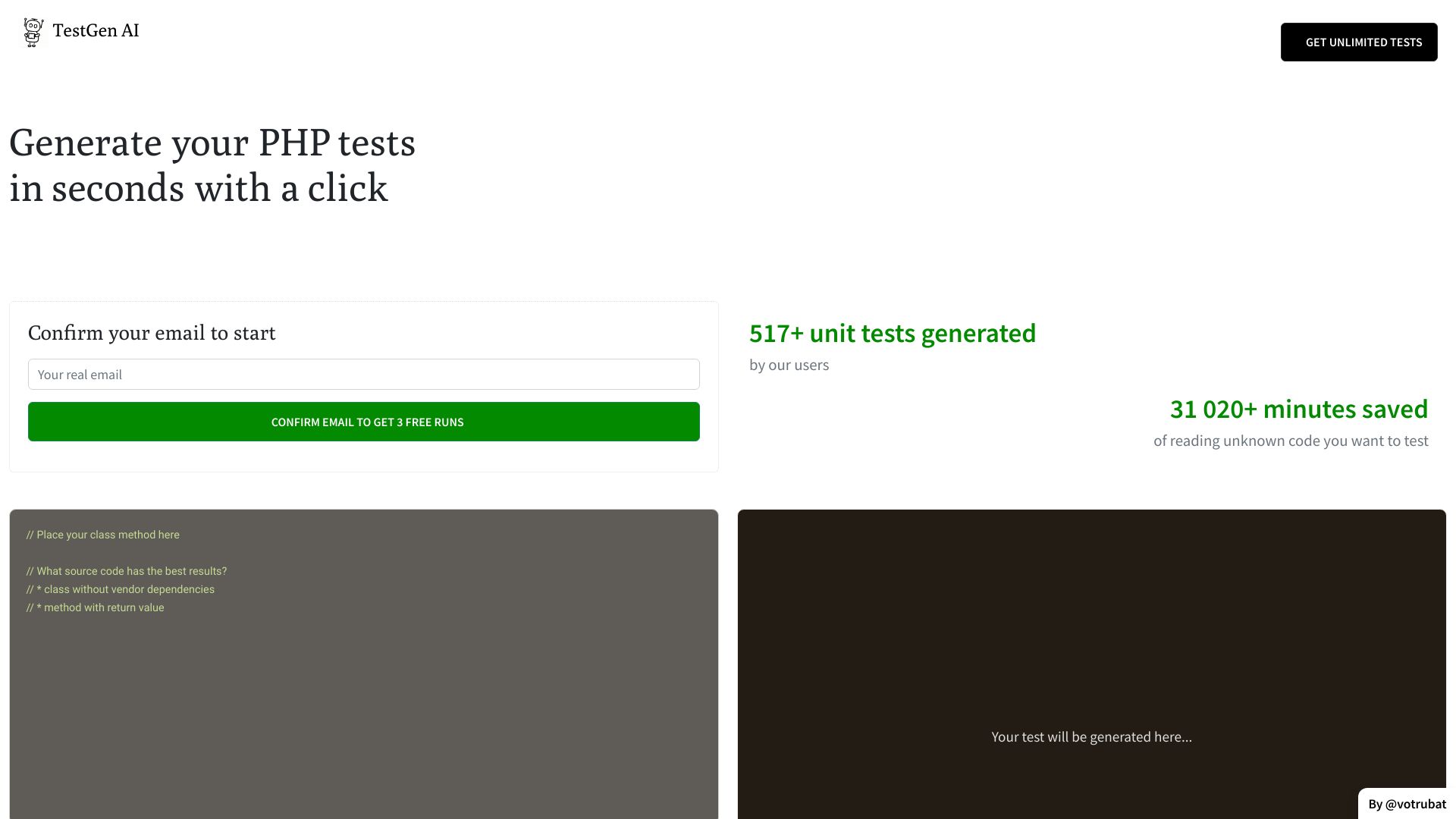
Generate automated unit tests for PHP code quickly using TestGenAI's AI-powered tool.
Free
5.0
What is TestGenAI?
TestGenAI is an AI-powered tool that helps generate PHP unit tests for your existing code using Artificial Intelligence and Abstract Syntax Trees (AST). It allows you to quickly generate automated tests for your PHP code without the need for manual effort.
About
Generate automated unit tests for PHP code quickly using TestGenAI's AI-powered tool.
How to Use TestGenAI
To use TestGenAI, you need to register an account on the website. Once registered, you can provide your class and method code to TestGenAI. The tool analyzes your code using AI and AST techniques to generate PHP unit tests. You can then review and use these generated tests to ensure the functionality and reliability of your code. TestGenAI also provides a history of generated tests for reference and further use.
Frequently Asked Questions
What kind of code produces the best results?
The best results are achieved with classes that do not have vendor dependencies and methods with return values.
Can I generate tests for code with vendor dependencies?
TestGenAI is designed to work best with classes that do not have vendor dependencies. However, it can still generate tests for code with vendor dependencies, but the results may vary.
How long does it take to generate tests?
TestGenAI generates tests in seconds with just a click.
Can I view previously generated tests?
Yes, TestGenAI provides a history of generated tests, which allows you to easily access and review previously generated tests.
Is TestGenAI suitable for test-driven development (TDD)?
Yes, TestGenAI is suitable for test-driven development as it enables you to quickly create tests for your code, following the TDD approach.
Does TestGenAI support other languages?
Currently, TestGenAI specifically focuses on generating PHP unit tests and does not support other languages.
Can I rely solely on generated tests for code coverage?
While TestGenAI helps in generating tests for achieving higher code coverage, it is still recommended to supplement it with additional tests created manually to ensure comprehensive coverage.
What happens if my code has syntax errors?
If your code has syntax errors, TestGenAI may not be able to generate tests accurately. It is recommended to ensure your code is error-free before using TestGenAI.
Is TestGenAI free to use?
TestGenAI offers 3 free runs upon confirming your email. For additional usage, please refer to the pricing information on the website.
Quick Info
- Pricing
- free
- Platforms
- website
Best For
- TestGenAI can be used in the following scenarios: 1. Test Driven Development (TDD): It enables developers to quickly create test cases for their code to follow the TDD approach. 2. Code verification: It helps in validating the correctness of the code by generating tests based on the provided code. 3. Efficient testing: It saves time and effort by automatically generating unit tests, reducing the need for manual test case creation. 4. Code coverage: It assists in achieving higher code coverage by generating tests for different code paths and scenarios.