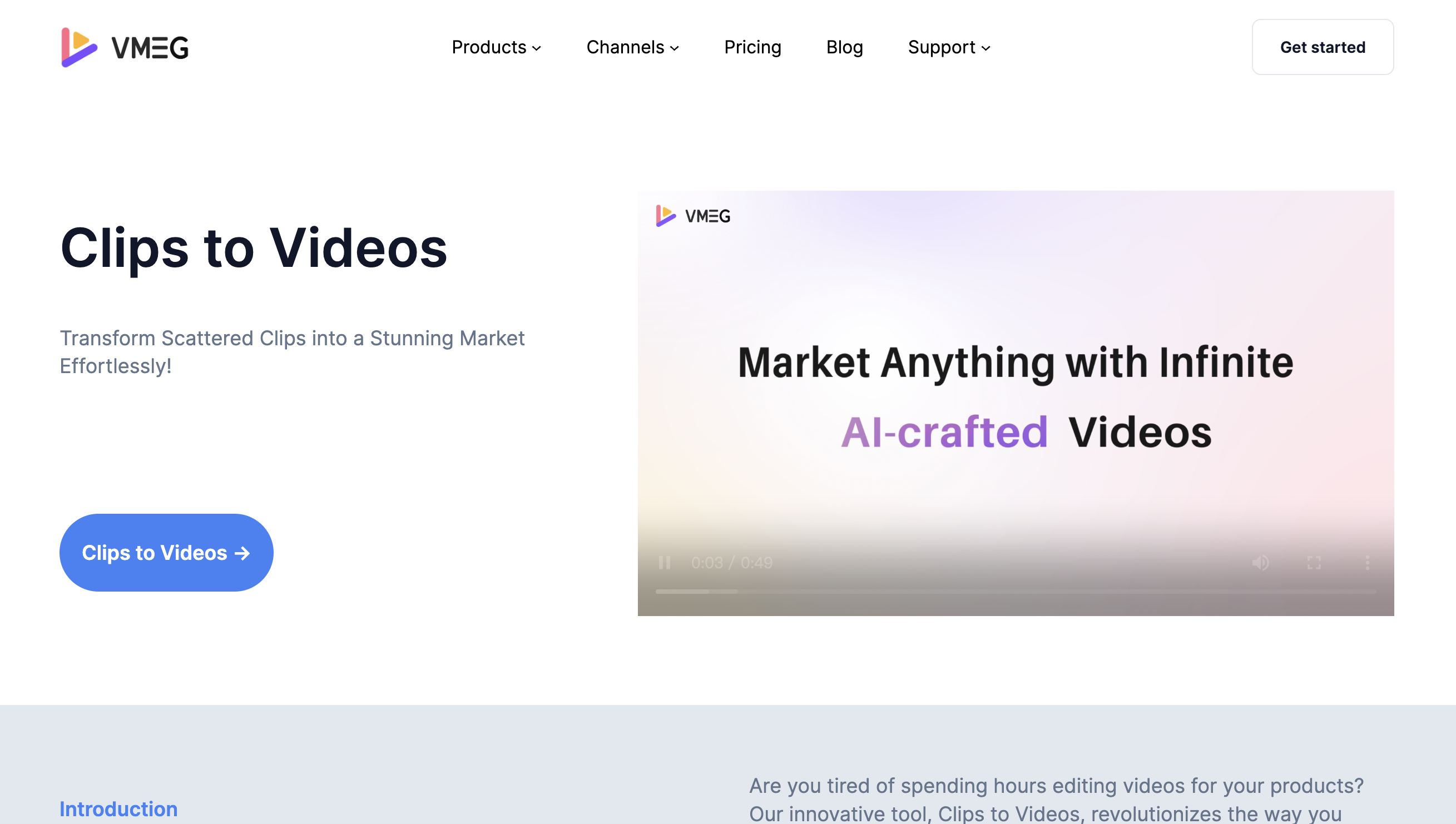
VMEG - Clips to Videos
Transform Clips into Captivating Marketing Videos with AI
Free
5.0
What is VMEG - Clips to Videos?
Clips To Video is an innovative tool designed to transform your scattered product clips into stunning marketing videos with just a few clicks! Whether you're promoting a new product, launching a campaign on social media, or need captivating content for your e-commerce store, Clips To Video has got you covered. Our tool features automatic voiceovers and highlights key selling points, making your video creation process not only faster but also way more efficient.
About
Transform Clips into Captivating Marketing Videos with AI
How to Use VMEG - Clips to Videos
Just upload your raw product clips, fill in the product name and key selling points, and with one click, you’ll get a bunch of compatible videos that fit your needs and look great. Easy peasy!
Frequently Asked Questions
Is Clips to Videos free to use?
Yes, we offer a free plan to try our product, but if you want to access more features or increase more credits, you can upgrade to our paid plans.
Is Clips to Videos suitable for beginners with no prior video editing experience?
Yes, Clips to Videos is designed to be user-friendly, making it ideal for beginners looking to create professional videos without extensive editing knowledge.
Does Clips to Videos support multiple file formats for input clips?
Clips to Videos supports a wide range of file formats, such as MP4, MOV, WEBM, WEBP, JPG, JPEG, PNG. Ensuring compatibility with your existing video assets.