Audiogest.app
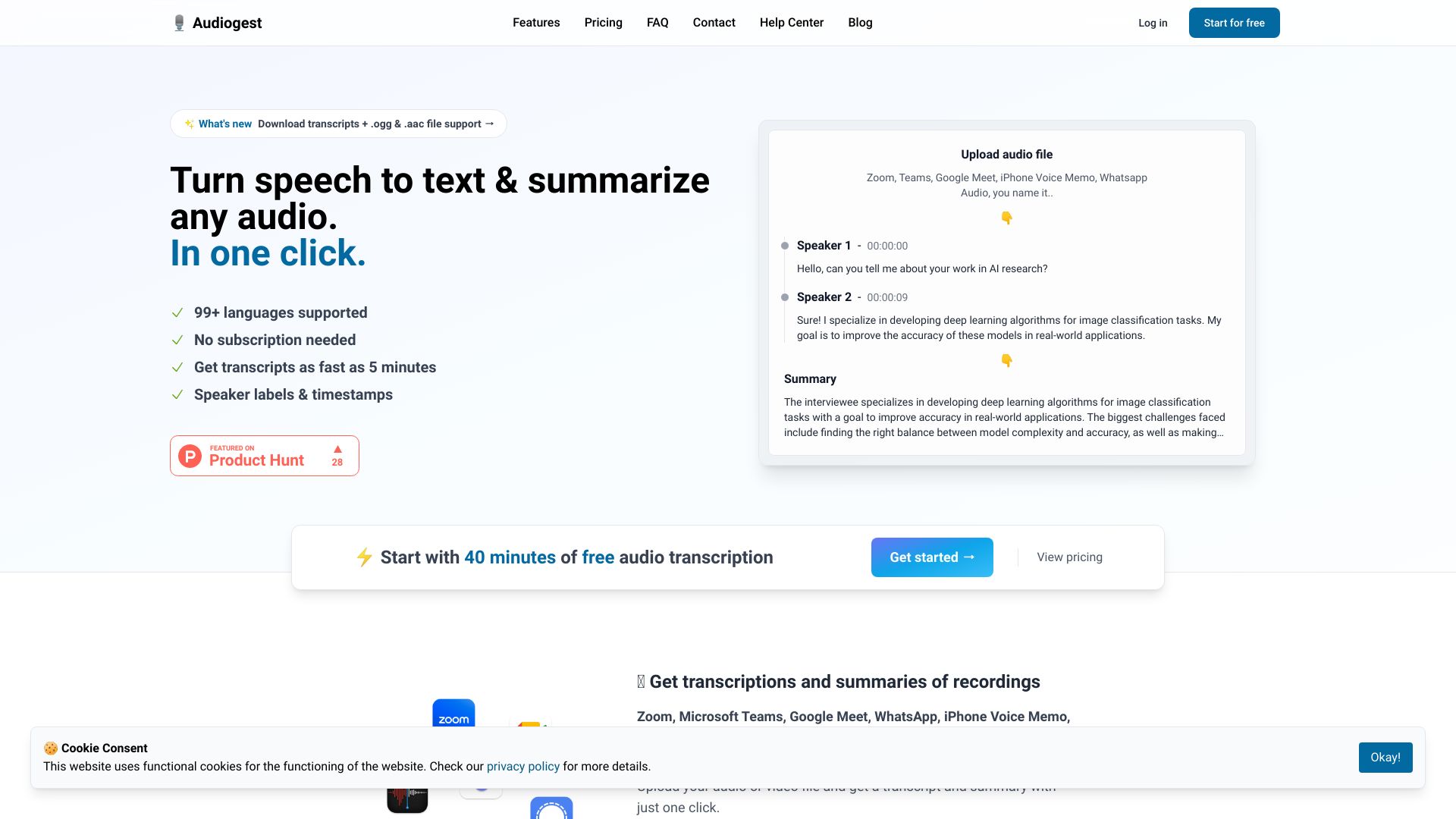
Converts audio into text transcripts and summaries for easy access and analysis.
Free
5.0
What is Audiogest.app?
Audiogest is an audio transcription and summarization tool that effortlessly and affordably converts audio content into text transcripts and useful summaries. With just one click, you can transform your audios into transcriptions and summaries, making it easy to access and analyze your audio content.
About
Converts audio into text transcripts and summaries for easy access and analysis.
How to Use Audiogest.app
To use Audiogest, simply upload your audio or video file to the platform. Audiogest supports a wide range of file formats, including aac, ogg, m4a, mp3, mp4, mpeg, mpga, wav, and webm. Once uploaded, Audiogest uses the latest AI technology to transcribe your audio into text. Additionally, you can generate summaries of your transcriptions. Audiogest supports over 99 languages, making it a versatile tool for audio content in various languages. The service is private, with files stored temporarily on the server and only accessible to you. Audiogest also offers fast turnaround time, with transcripts and summaries available as quickly as within 5 minutes.
Frequently Asked Questions
How do I transcribe audios?
You can automatically transcribe audio by uploading any recording file. Audio transcriptions are generated by the latest AI models.
How do I summarize audios?
After the interview is transcribed, you can automatically generate a summary. Summaries are generated by GPT-4.
What languages are supported?
Languages are automatically detected when uploading a file. Currently, English, Dutch, Spanish, French, German, Italian, and Portuguese are supported, along with many other languages.
What files are supported?
Files of the types aac, ogg, m4a, mp3, mp4, mpeg, mpga, wav, and webm are supported. This includes recording files from Zoom, Google Meet, Microsoft Teams, iPhone Voice Memos, and more.
How long does it take to transcribe?
With automatic transcriptions, it usually takes 10-15 minutes to transcribe 1 hour of audio.
What can I use Audiogest for?
You can use Audiogest to transcribe and summarize interviews, meetings, podcasts, lectures, and more.
What is the maximum file size supported?
Currently, the maximum file size is 250mb, and the maximum length is 3 hours. For larger files, please contact us.
How is my data stored?
Audio files are temporarily saved on our servers and are deleted within 24 hours after transcribing. Refer to our privacy policy and terms and conditions for more information.
Do I need a subscription?
No, Audiogest does not require a subscription. You can purchase credits to transcribe audio files.
Do credits expire?
No, credits do not expire.
Can I get a refund?
No, refunds are not available after a purchase. However, you can try out the service with a free trial for audio transcriptions and summaries.
Quick Info
- Company
- Audiogest
- Pricing
- free
- Platforms
- website
Best For
- Transcribing interviews, meetings, podcasts, and lectures
- Generating summaries of audio content
- Analyzing and accessing audio recordings easily
- Language support for various audio content
- Ideal for researchers, journalists, content creators, and students