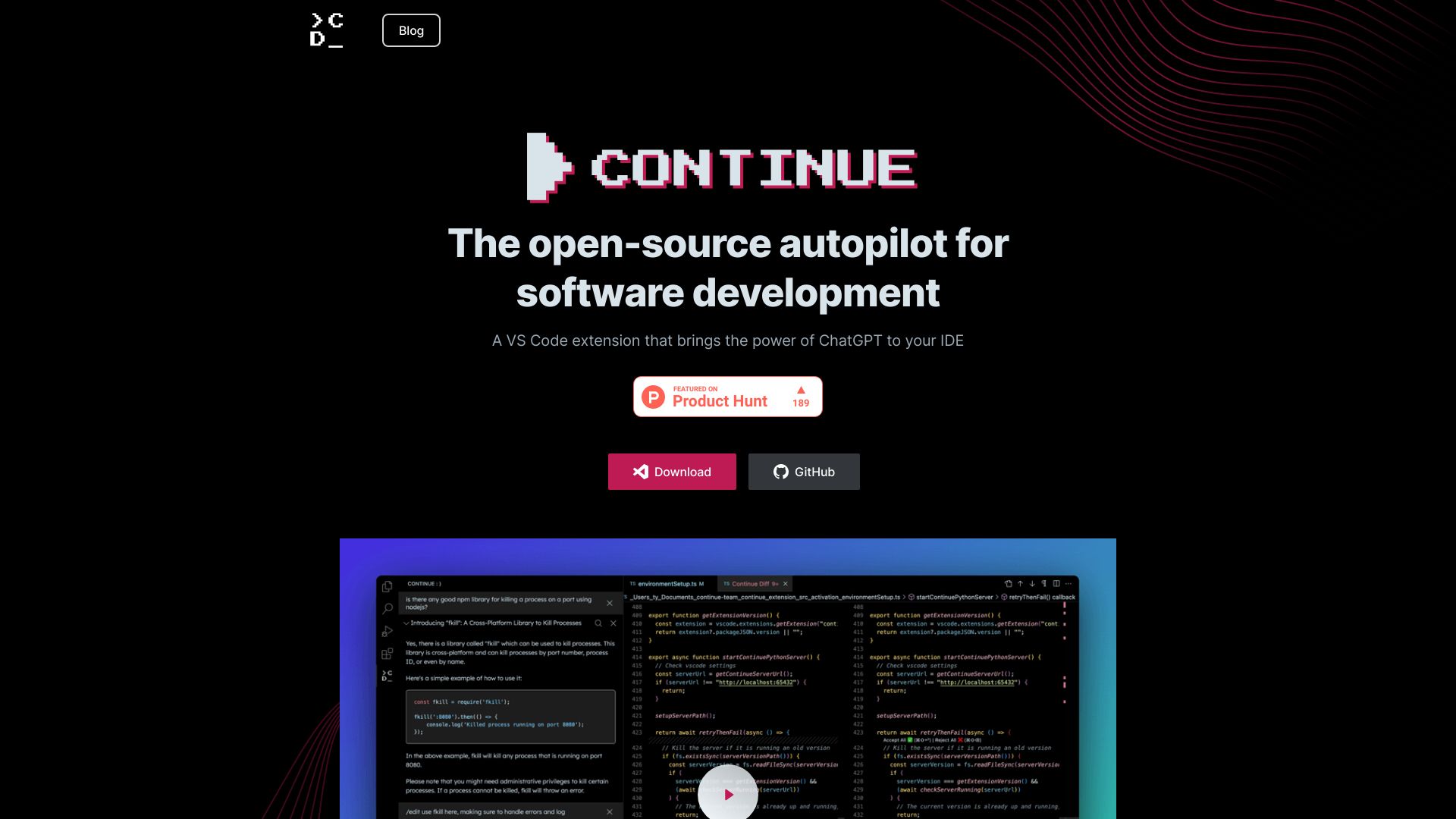
Continue
Bring AI text generation to your IDE with Continue, an open-source autopilot for software development.
Free
5.0
What is Continue?
Continue is an open-source autopilot for software development that integrates with Visual Studio Code (VS Code). It is a powerful VS Code extension that brings the capabilities of ChatGPT, an AI text generation model, directly into your IDE.
About
Bring AI text generation to your IDE with Continue, an open-source autopilot for software development.
How to Use Continue
To use Continue, you can download and install the VS Code extension from the GitHub repository. Once installed, you can leverage its various features. You can highlight sections of code and ask Continue for auto-completion, code generation, refactoring, or explanations. You can also edit code in a natural language by instructing Continue to perform refactorings or write new code. Moreover, Continue can generate files from scratch, automatically generating Python scripts, React components, and more.
Frequently Asked Questions
How can I use Continue to refactor code?
You can highlight the section of code you want to refactor and instruct Continue to refactor it using natural language instructions e.g., '/edit change this plot into a bar chart in this dashboard component.'
Can Continue generate code files from scratch?
Yes, Continue can generate new code files in different programming languages. You can open a blank file, and let Continue start new Python scripts, React components, and more.
How does Continue help in answering coding questions?
Continue can answer coding questions by generating, refactoring, and explaining entire sections of code. You can ask coding questions and seek alternative perspectives on code by highlighting sections and asking Continue for its insights.
Quick Info
- Company
- Continue Dev, Inc.
- Pricing
- free
- Platforms
- website
Best For
- Generating, refactoring, and explaining code sections
- Answering coding questions
- Seeking alternative perspectives on code
- Refactoring code through natural language instructions
- Creating new files and code from scratch
Tags
#autopilot#software development#VS Code extension#ChatGPT integration#auto-complete#code generation#code refactoring#code explanation#natural language editing#file generation#Python#React#SQL#schema#IDE